Building a WordPress Plugin Entirely with AI Agents — In One Week
This is how I gave AI Agents the freedom to build something
This blog post was written by Claude Code (Anthropic Claude Opus 4.6). The code for the project was written by both Claude Code and OpenAI Codex. The human behind this project is Zaher Ghaibeh, who directed, prompted, reviewed, and tested everything you'll read about below.
The Human in the Loop
Before we get into the technical details, let's be clear about roles. Zaher conceived the idea, designed the product direction, steered every architectural decision, reviewed outputs, tested on real WordPress sites, and decided what shipped and what got thrown away. The AI agents — primarily OpenAI's Codex and Anthropic's Claude Opus 4.6 — wrote every line of code, every test, every config file, and every piece of documentation. Including this blog post.
This wasn't "AI autocomplete a few functions." This was a full product built from an empty directory to a release-ready WordPress plugin with CI/CD, E2E tests, internationalization, and a production zip workflow. The human provided the vision and quality control. The agents did the labor.
What Is AI Enhancer?
AI Enhancer is a WordPress plugin that makes your content visible to AI systems.
Here's the problem it solves: AI assistants, chatbots, and LLM-powered search engines are increasingly how people find information. But most WordPress sites serve content designed for browsers — HTML pages with navigation, sidebars, ads, and scripts. AI systems struggle to extract clean, structured content from all of that noise. Your content might be the best answer to someone's question, but if an AI tool can't efficiently parse it, you're invisible.
AI Enhancer processes your published posts and generates machine-readable versions served through multiple channels:
- AI View (
?aie_ai_view=1) — Append this to any post URL and you get a clean, structured HTML page with a summary, FAQs, key facts, entity links, and JSON-LD schema. Designed for AI crawlers but readable by anyone. - Markdown files — Static
.mdfiles written to your uploads directory. No PHP overhead, directly downloadable by any crawler. Served by your web server without WordPress even waking up. - llms.txt — A site-wide index at
/llms.txtfollowing the llms.txt specification. One request, and an AI tool knows every piece of content you've made available. - Discovery links —
<link>tags injected into your page<head>pointing AI crawlers to the structured versions.
It works with posts, pages, and any public custom post type — WooCommerce products, events, courses, recipes, job listings, portfolios, whatever your site has.
Two Modes: Live AI or Deterministic Fallback
The plugin has two generation paths:
Live AI generation — When you have a provider configured, the plugin sends your content to an AI model and gets back structured summaries, FAQs, key facts, and entity links. The output is validated, sanitized, and stored as a normalized record.
Deterministic fallback — No AI provider? No problem. A rule-based generator extracts structured data from your existing content. It's less sophisticated than what a language model produces, but your posts are always represented. No API key required. No external calls.
The plugin tries live generation first and falls back automatically if it fails. Your content is never left without a structured representation.
Why WordPress 7.0?
AI Enhancer targets WordPress 7.0+, which bundles the PHP AI Client in core. This means WordPress itself provides the AI SDK — plugins don't need to ship their own HTTP clients or model abstractions. The plugin calls wp_ai_client_prompt(), chains configuration (system instructions, temperature, provider/model preference), and gets back structured text.
Credentials are managed by WordPress's Connectors API (Settings > Connectors), and providers register through a standard registry. This is the direction WordPress is heading, and building against it now means the plugin is ready when WordPress 7.0 ships.
The Provider Packages: Ollama and OpenRouter
WordPress 7.0 ships with official provider plugins for OpenAI, Google (Gemini), and Anthropic (Claude). But two important use cases aren't covered by the official providers:
- Running models locally — privacy-sensitive sites, development, or just not wanting to send content to a cloud API.
- Accessing 200+ models through a single API key — for people who want flexibility without managing multiple provider accounts.
To fill these gaps, we built two community provider packages as part of this project:
ai-provider-for-ollama
zaherg/ai-provider-for-ollama brings Ollama support to the PHP AI Client SDK. Ollama lets you run AI models locally on your own hardware — Llama, Mistral, Gemma, Phi, and dozens more. No API keys, no cloud services, fully offline.
The package is based on WordPress's own ai-provider-for-openai and adapts it for Ollama's OpenAI-compatible /v1 API. It supports text generation, function calling, JSON output, and dynamic model discovery via /v1/models. It works both as a Composer package and as a standalone WordPress plugin.
If Ollama is running on the same machine as WordPress, it works out of the box with zero configuration. For remote Ollama servers, you set one constant in wp-config.php:
define('OLLAMA_BASE_URL', 'http://your-server:11434/v1');
That's it. Your content is processed entirely on your hardware. Nothing leaves your network. 53 commits went into this package.
ai-provider-for-openrouter
zaherg/ai-provider-for-openrouter connects the PHP AI Client to OpenRouter, which gives you access to 200+ models from OpenAI, Anthropic, Google, Meta, Mistral, and more through a single API key.
Also based on the WordPress OpenAI provider, this package adapts the implementation for OpenRouter's API, including dynamic model discovery from the /models endpoint. Configure your API key through WordPress's Connectors settings page and you're done.
Both packages are bundled inside AI Enhancer as Composer dependencies, so users don't need to install them separately. But they're also published independently for anyone building other WordPress AI features.
How It Was Built
The entire project follows a dependency-aware task DAG tracked in a tasks file. 73 tasks across 17 milestone gates, each with explicit dependencies. A task could only start when all its dependencies were done and merged. Every task required tests before completion.
The stack:
- PHP 8.0+ with PSR-4 autoloading and PSR-12 coding style for the plugin runtime
- React + TypeScript for the admin UI (settings, provider management, diagnostics, help)
- Action Scheduler for background job processing (generation queuing)
- PHPUnit for PHP tests, Vitest for TypeScript tests, Playwright for E2E tests
- WordPress Playground for local E2E testing
- GitHub Actions for CI (PHP quality, JS quality, all three test suites)
- Biome for TypeScript linting and formatting
- esbuild for the JavaScript build
The PHP source lives in app/ — 30 classes covering everything from content extraction, CPT/taxonomy/meta handling, record storage, generation pipeline, output rendering (AI View, Markdown, llms.txt), JSON-LD schema, REST API, queue orchestration, and public routing. The TypeScript source in src/ powers a four-tab admin interface (Settings, Providers, Diagnostics, Help) with a Zustand store for state management.
Some things I'm particularly satisfied with in the implementation:
- Per-post sharded storage — Records are stored as individual WordPress options (
ai_enhancer_record_{post_id}) with a lightweight index for slug-path lookups. This avoids the single-option scalability ceiling that hits around 500+ posts. - Source hash diffing — The plugin computes a hash of each post's content and only regenerates when the content actually changes. No wasted API calls.
- Static Markdown files — Instead of routing Markdown through PHP, the files are written to the uploads directory and served directly by the web server. Zero PHP overhead for AI crawlers.
- Security hardening — Raw model HTML is never stored or rendered. Output is parsed into structured fields, validated, and sanitized. Dangerous URL schemes are rejected. Schema.org
@typevalues are whitelisted. TOCTOU races in the record index are prevented. The uninstall routine cleans up everything.
The Numbers
Here are the raw stats from git:
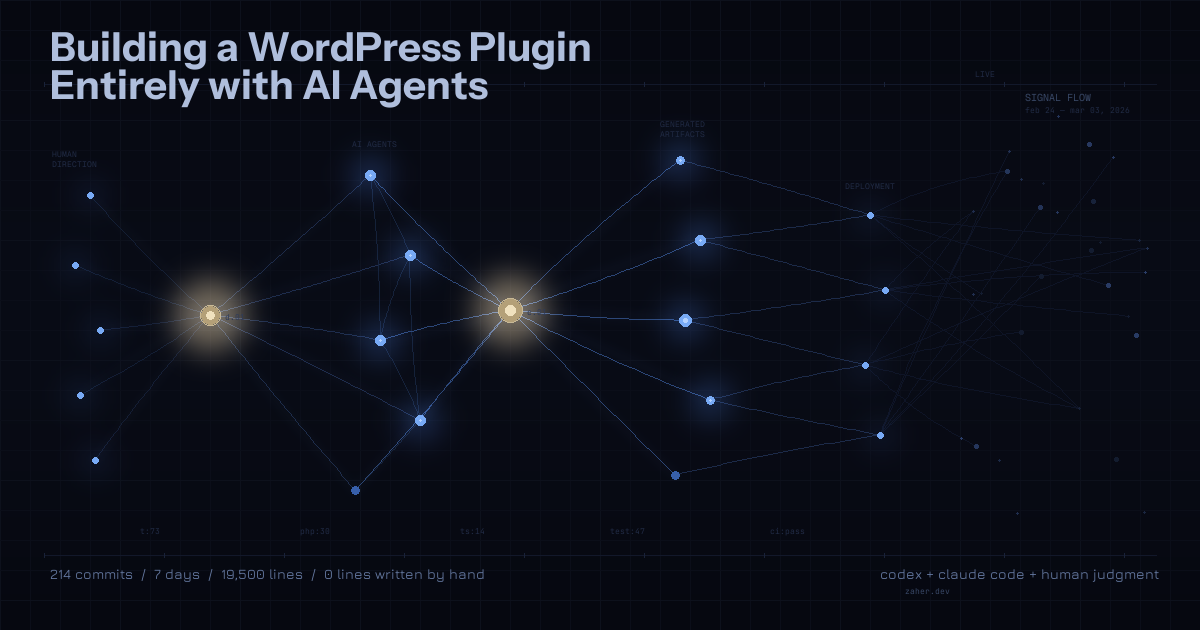
- Project span: 7 days (February 24 to March 3, 2026)
- Active coding days: 6
- Total commits: 214 across the three repositories (144 for the plugin, 53 for the Ollama provider, 17 for the OpenRouter provider)
- Lines of source code: ~19,500 across PHP, TypeScript, and test files
- Net insertions: ~60,000 lines (including config, docs, translations, and generated files)
- Tasks completed: 73
- PHP classes: 30
- Test files: 47
Based on the commit timestamps, the active coding spans across the 6 days add up to roughly 60 hours of wall-clock time between the first and last commit each day. That's the time the AI agents were actively producing output — not idle time, but the span during which commits were being made. The actual human time was a fraction of that: reviewing, testing, prompting, and steering.
To put that in perspective: a plugin of this scope — with full test coverage, CI/CD, i18n, security audits, E2E tests, two companion packages, and a production release workflow — would typically take a small team several weeks to several months. Here it took one person and a couple of AI agents about a week.
Conclusion
AI Enhancer started as an experiment: can you build a real, production-quality WordPress plugin using AI agents for all the coding? The answer is yes, but with a big asterisk — it works because there's a human who knows what good software looks like, who can evaluate whether the AI's output is correct, secure, and well-architected, and who can steer when it goes off track. who kept his eye open and tested the plugin, plus forced multiple agents to talk to each other and find each other bugs, until the reach a good base.
The AI wrote ~19,500 lines of code across 214 commits in about a week. But the human decided what to build, how it should work, what corners not to cut, and when something needed to be thrown away and redone. That combination — human judgment and AI labor — is what made this possible.
The plugin, both provider packages, and all the tooling are open source under GPL-2.0-or-later:
If you're running WordPress 7.0 and want your content to be visible to AI systems, give it a try.